
Connect systems and remove repetitive operational work.
We bring APIs, business applications, data and AI together into workflows that reduce manual handoffs and keep information moving reliably across the organization.
How it works
Automation works best when the systems underneath it are connected.
Many business processes are slow because people are moving information between systems, reconciling context or making the same routing decisions repeatedly. We design integration and automation together so the workflow becomes simpler end to end.
-
Connect SaaS platforms, internal systems and APIs.
-
Automate repetitive routing, synchronization and enrichment.
-
Use events and queues where workflows need resilience.
-
Add AI only where rules alone are not enough.
The system
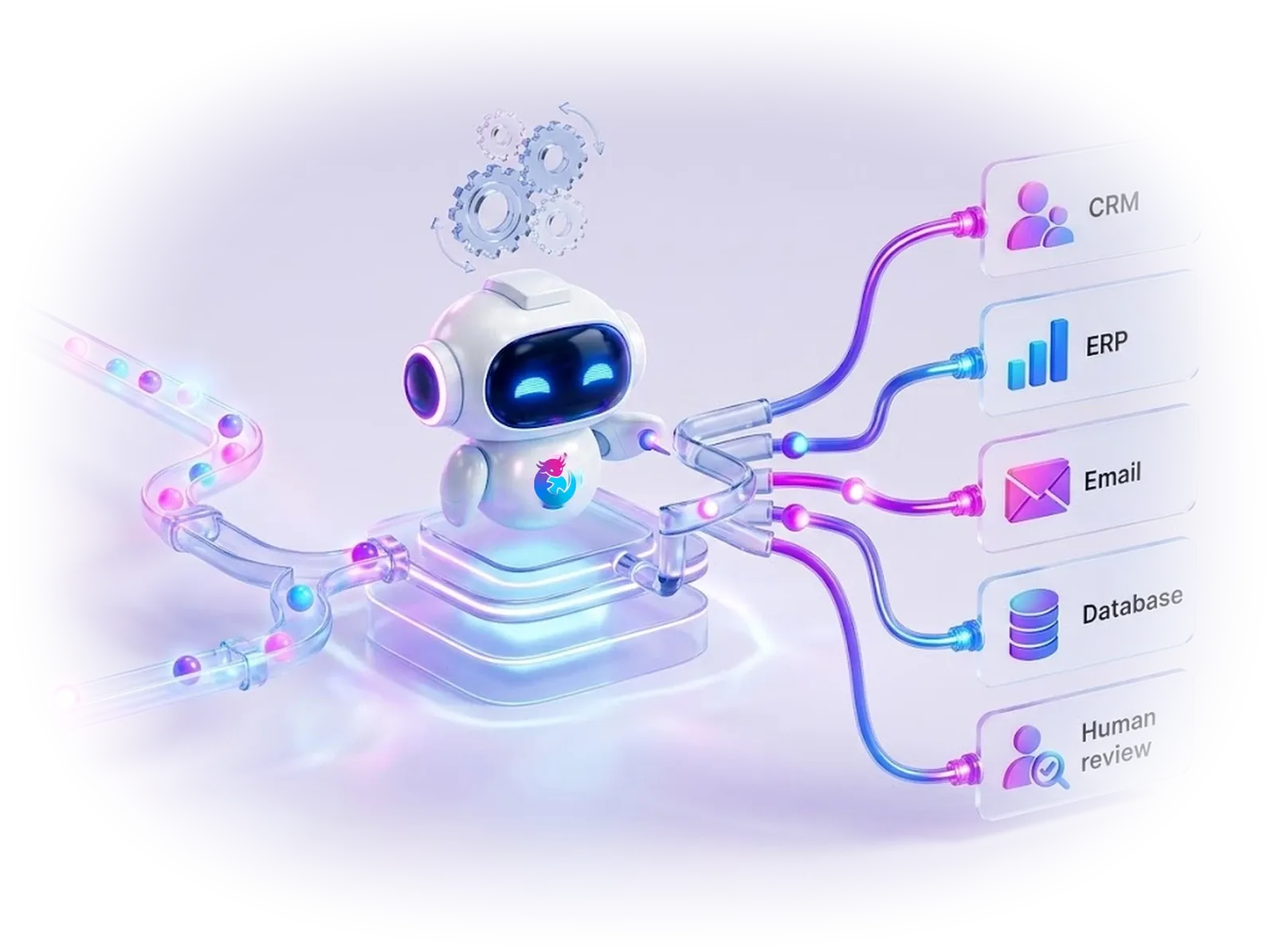
Events become controlled workflows across the systems you already use.
The value is not the connector itself. It is the orchestration, error handling, visibility and human escape hatches around the workflow.
State is explicit
Long-running work can pause, retry, resume and expose where it failed.
Exceptions are designed
Human review is a first-class route instead of a last-minute manual workaround.
Systems stay authoritative
Automation coordinates existing systems rather than creating a shadow source of truth.
Where projects stall
Most process friction lives between systems, not inside one application.
-
People re-enter the same information
Disconnected systems create duplicate work, inconsistent records and delayed downstream actions.
-
Business rules live in inboxes and spreadsheets
When routing and exceptions depend on tribal knowledge, the process becomes hard to scale or observe.
-
Automation breaks silently
Reliable automation needs retries, idempotency, error queues, human exception paths and meaningful telemetry.
What we build
Workflows across systems, teams and data.
The highest-value automations usually cross application boundaries instead of living inside one tool.
-
System integration
APIs, webhooks, events and adapters that move data reliably between existing business systems.
-
Workflow automation
Orchestrate repeatable process steps while preserving exceptions, approvals and clear ownership.
-
Data synchronization
Keep operational records aligned across platforms and reduce duplicate manual entry or reconciliation.
-
AI-assisted decisions
Use agents or models for classification, extraction, drafting or reasoning when deterministic rules stop being enough.
How we work
Simplify the process before automating it.
Automating a broken workflow faster usually creates a faster broken workflow. We map and improve the process first.
- 01
Map the flow
Identify systems, handoffs, decisions, delays, duplicate data and the people responsible at each step.
- 02
Remove waste
Simplify unnecessary steps before adding orchestration or integration logic.
- 03
Automate safely
Implement deterministic automation first and introduce AI where it provides clear additional value.
- 04
Observe & improve
Track failures, cycle time, exception rates and operational impact so the workflow keeps getting better.
Reliable automation needs reliable interfaces.
What you get
Automation should make operations easier to trust, not harder to understand.
Every engagement ships these layers as working, documented parts of the system, not slides.
- Layer 4
Integration contracts
Clear schemas, authentication, rate limits and error behavior around every connected system.
- Layer 3
Workflow state
Explicit progress, retries, idempotency and recovery rather than hidden chains of brittle scripts.
- Layer 2
Exception paths
Human review queues and operational tooling for the cases automation cannot or should not resolve.
- Layer 1
Observability
Traceability from trigger to outcome, with metrics that reveal bottlenecks and failure patterns.
Where to start
Connect the handoffs that create repeated work.
Automation creates the most value when it removes mechanical coordination while keeping humans focused on judgment and exceptions.
-
Inbox-to-workflow automation
Classify inbound requests, extract context, create work items and route exceptions to the right team.
-
System synchronization
Keep CRM, ERP, line-of-business and reporting systems aligned through APIs and event-driven flows.
-
Data movement & enrichment
Collect, validate, transform and enrich information before downstream systems or users need it.
-
Operational orchestration
Coordinate multi-step processes with business rules, retries, state and visible exception handling.
-
AI-assisted automation
Use models for classification, extraction, summarization or decision support inside controlled workflows.
-
Approval-driven actions
Keep consequential actions behind explicit human review while automating everything around the decision.
Before we start
Questions we hear first.
Practical answers. The exact architecture depends on the workflow, constraints and systems already in place.
Do you replace tools like Power Automate or Zapier?
Not necessarily. Low-code automation can be the right fit for some workflows. We use custom integration where reliability, scale, complex state, security or maintainability requires more control.
Can AI be part of an automation workflow?
Yes. Models are useful for unstructured inputs such as classification, extraction and summarization, while deterministic rules and validations still control the workflow around them.
How do you prevent duplicate or lost actions?
Idempotency, explicit state, retries, durable messaging and observability are designed into workflows where delivery guarantees matter.
What is a good first automation candidate?
A repeated process with clear inputs, visible handoffs and measurable effort—especially one where people spend time moving information rather than making decisions.
Tell us what you want to build.
We reply within one business day — a person from the team, not an autoresponder.